Agents now use the browser faster
Agents now work through websites faster. An agent hands a whole browser objective, such as "open invoice DF-20 and read its status", to a goal that moves through the pages and comes back when it is done or stuck, so it no longer reasons through every click and form field one at a time. We built it because browser tasks spent most of their time on the agent deciding the next click, and a long form meant a long wait.
A whole objective in one step
The agent states the objective, the start page, and any values to fill in, such as the text of a post. A fast decision model reads each page, picks the next button or field from what is on screen, and carries on until the objective looks complete. The agent then checks the result before it calls the task done.
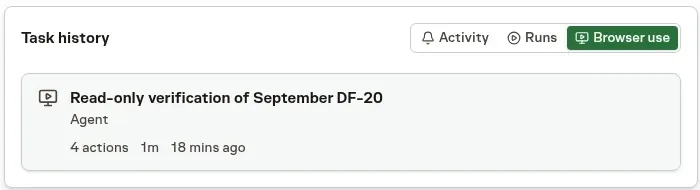
Every step stays reviewable
Each action lands in Browser use history with a masked frame of the page, so you can step through the journey after it finishes. Passwords, payment fields, and one-time codes are masked before a screenshot is kept.
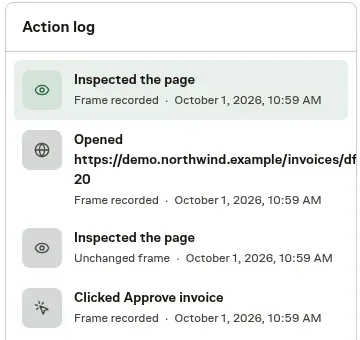
Sign-ins and uploads work inside a goal
Goals fill Vault credentials without revealing the password, key, or code, and they can upload files from the task's working directory. A goal checks that the page still matches what it read before it acts, so a stale click never lands on the wrong button.
Stopped goals explain why
When a goal cannot continue, the agent gets a specific reason. A decision may need your approval, a sign-in may be missing, a prerequisite may not be set up, or the page may not support the interaction. The run transcript records that reason with recovery guidance, so a login wall never looks like a broken browser, and the agent never works around a missing approval or purchase to finish.
Each goal uses a small amount of included workspace usage. See Browser use for reviewing journeys and Usage and fees for what counts toward usage.