Agents can use credentials without seeing them
Agents can now use saved logins, API keys, and verification codes without seeing or revealing their secret values. Task Machine gives each agent access only for the work that needs it and keeps sensitive values out of conversations and activity history. We built it because agents kept needing the same business logins, and pasting a password into a conversation exposes it.
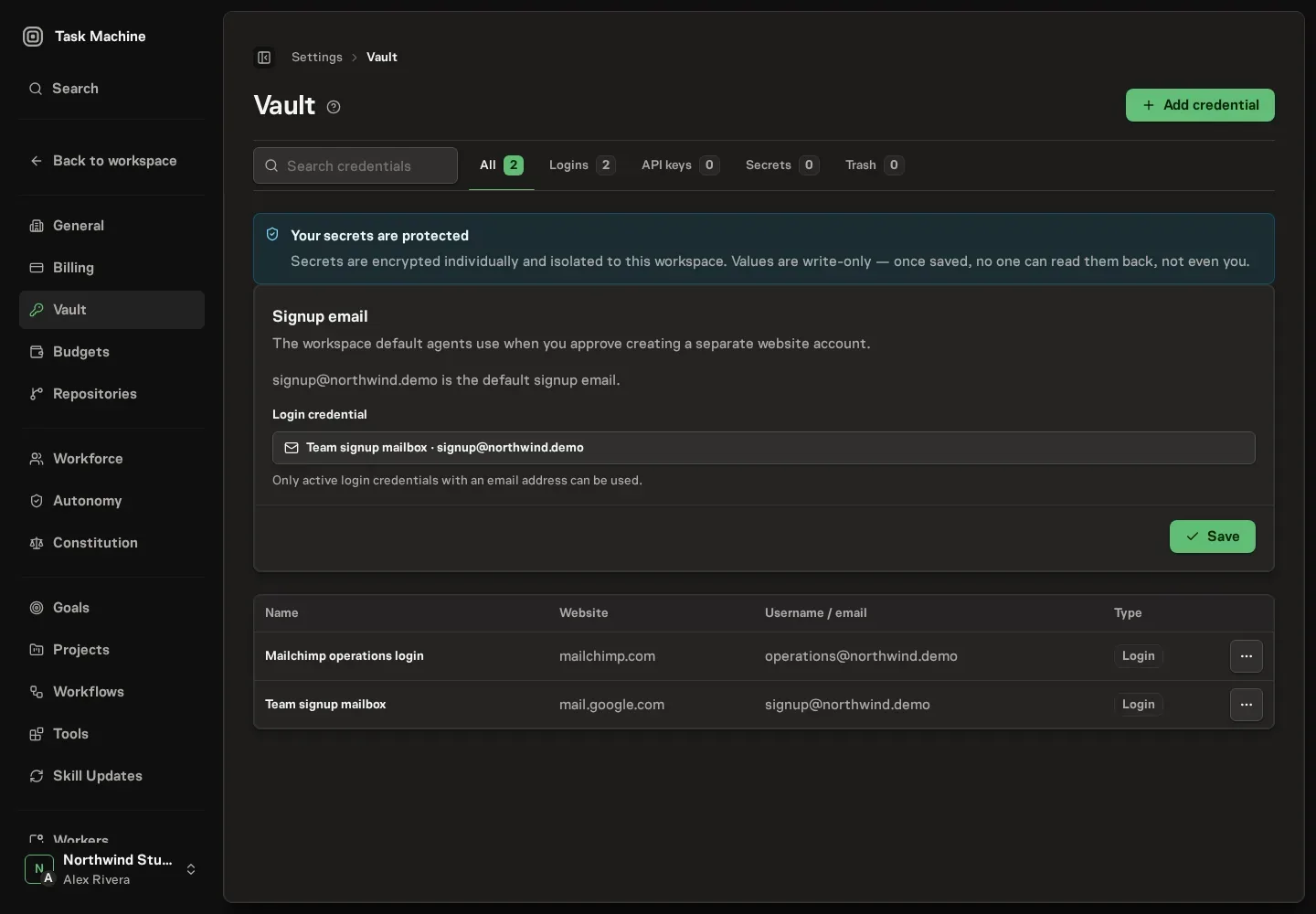
The Vault stores the account details your agents need for websites and connected tools. Agents can identify the right account by its name, website, and username, while the password or key remains hidden.
When an agent uses a saved credential, the activity history names the account that was used without exposing the secret or the sensitive details of the action.
Missing access becomes one Inbox decision
If an agent needs an account that is not available, the request comes to the Inbox with the website, the reason access is needed, and the work that is waiting.
From the same item, you can choose an existing Vault entry, add a new one, approve creating a separate account, or reject the request. Approval gives access only to the task or agent that asked for it and lets the waiting work continue.
Repeated attempts reuse the same open request instead of filling the Inbox with duplicates. Connectors use the same Vault protection when agents need access to services such as billing, support, or project-management tools.
Read Vault for managing saved credentials and Connectors for connecting the services your agents use.