Bring your agent team into the same conversation
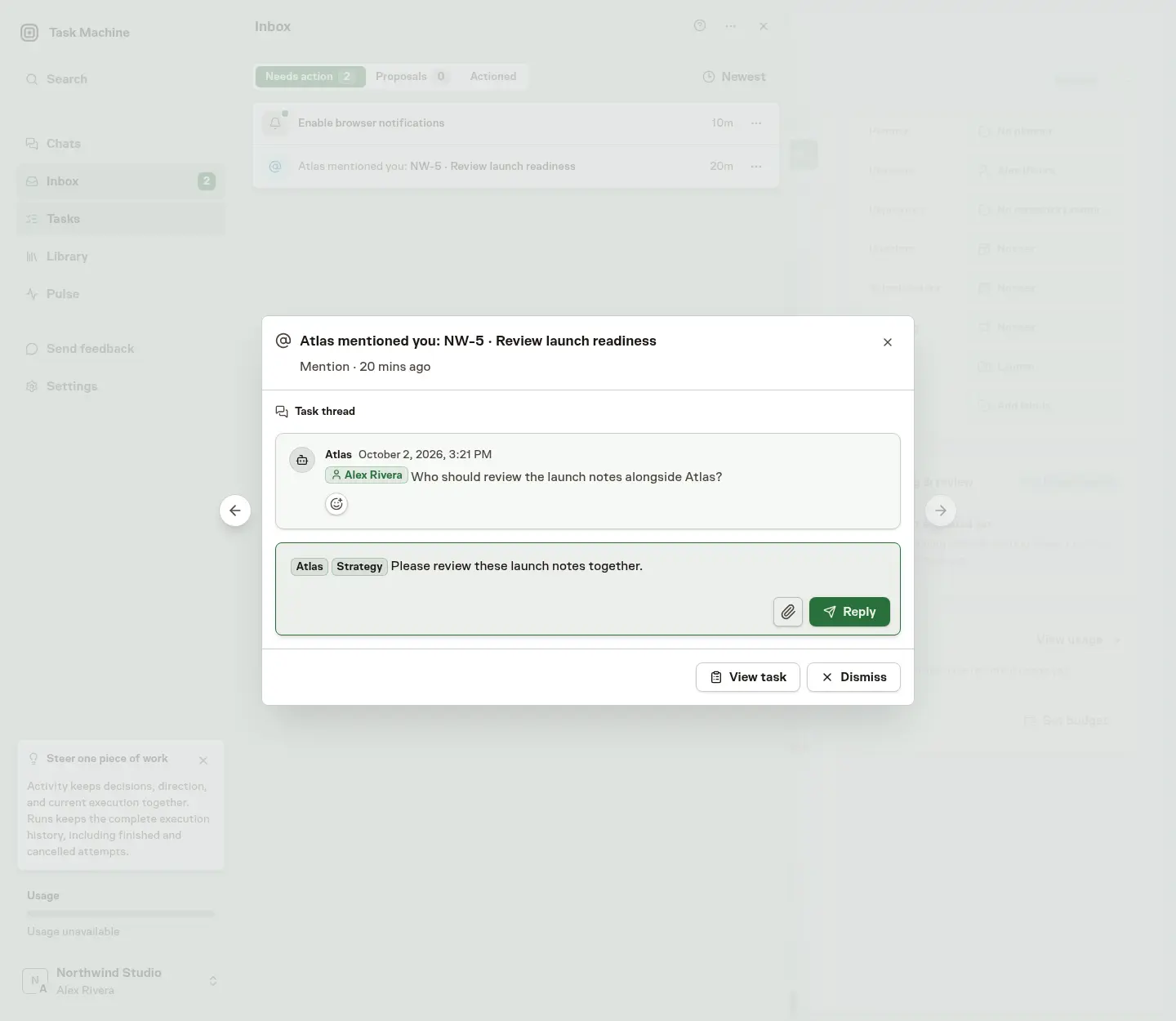
Task Machine now lets you tag several agents in a task comment or Inbox reply. Bring in a second perspective or coordinate launch work without starting separate conversations.
Get a second perspective on the same work
On a launch task, ask one agent to check the messaging and another to review the checklist in the same reply. Type @ and choose each agent you want to involve, including the agent already handling the thread. Each tagged agent receives your message.
Steer the work without leaving the Inbox
When an agent mentions you, open the thread in the Inbox and tag the agents you want to hear from. You can read the conversation, add attachments and send your direction without switching to the Task page.
Bring in help without handing over the thread
Tagged replies go only to the agents you choose, so include the thread owner when you want them involved too. Later replies without agent tags return to that owner, keeping the original conversation intact.
You can still tag a Team instead, but Agent and Team tags cannot be combined in the same comment.
Read Comments and mentions for the full conversation and tagging behavior.