Workflows now support Loop and Classify steps
Task Machine Workflows can now repeat a set of steps for every item in a list. For example, classify a day’s customer requests by topic and urgency, then prepare one summary for review. We added them because many recurring jobs, like a daily batch of customer requests, run the same steps over a list.
Repeat steps for each item with Loop
Add Loop after a step that returns a list, then choose the steps to run for each item. Loop processes the items one at a time and collects their results in the original order for the next step.
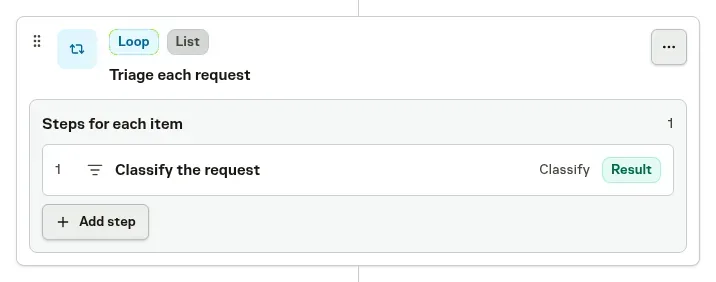
If an item fails, Loop continues with the remaining items and includes the error in that item’s result. The Run view shows which items failed and lets you inspect their steps, so unfinished work stays visible alongside completed results.
Answer questions and route work with Classify
Classify answers a set of questions about its input in one step. Questions can choose from named options, rate an item on an ordered scale, or answer yes or no. For a customer request, that might mean choosing its department, assessing urgency, and deciding whether it needs follow-up.
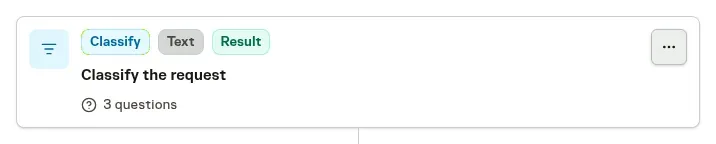
The answers are returned together as text for later agents to use. Classify can also choose a route from a choice or rating, such as sending an urgent request through an additional review step. You set the confidence threshold and what happens when the answer is uncertain.
Classify is currently unavailable in EU-only workspaces.
See Workflows for configuring Loop steps and Classify questions.