Review agent browser work without watching it live
Tasks and Chats now keep a Browser use history whenever an agent works in the browser. You can review how the work happened after it finishes instead of watching the run live or reconstructing it from the final result. We built it because a final screenshot rarely shows how an agent got there or where it went wrong.
Open a browser journey to see the pages the agent worked through, what it clicked or inspected, and how the browser changed along the way.
A chronological action log, localized timestamps, and thumbnail filmstrip let you move from the first action to the final screen. This makes it easier to verify the result, understand where the agent stopped, or continue the work yourself.
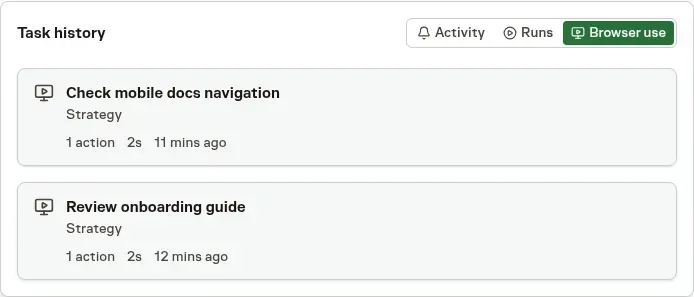
A Task reveals its Browser use tab after browser history exists. Chat shows the same history in a compact sidebar card without interrupting the conversation.
Selecting an entry opens that browser journey directly, keeping the evidence beside the Task or conversation that produced it.
Decide how much visual history to keep
Action history remains available even when automatic screenshots are disabled. Workspace owners and admins can stop future screenshots while agents continue using the browser normally.
Existing screenshots can be retained or deleted when recording is disabled. Recognized password, payment, one-time-code, and Vault-filled fields are masked before an image is kept, and Browser use remains protected by the access controls of its Task or Chat.
Read Tasks and Chat with agents for the complete review workflow.