Tasks
Labels
On this page
Use labels for signals that matter across a Project's Tasks, such as ready for billing, customer follow-up, or needs legal review. Task Machine labels are separate from labels in a connected service, even when their names match.
Manage a Project's labels
Open the Project's Labels tab to see Active, Proposed, and Archived labels. Each label belongs to that Project, so its Task pickers show relevant choices rather than a Workspace-wide mixture.
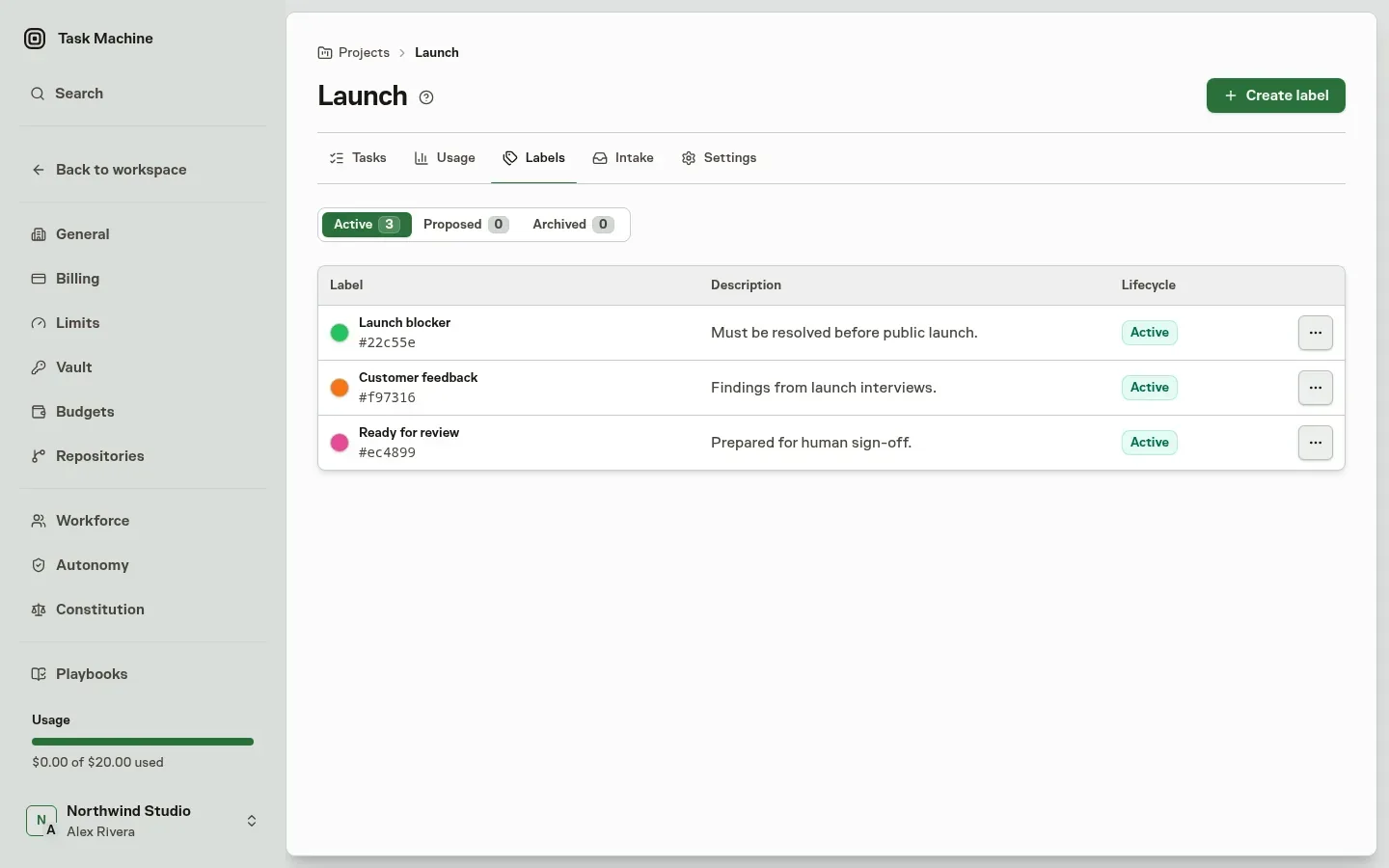
If your role allows you to manage the Project, you can create a label, edit its name and description, change its color, reorder it, or archive it. You can also create a missing label from the Task's picker without leaving the Task.
People with Project read access can inspect the labels without seeing management controls they cannot use. An archived Project keeps its Labels page as a read-only record.
Apply labels to Tasks
Choose from the Task's Project labels. Agents use the same active vocabulary rather than guessing labels from another service, and they can add or remove one active label without replacing the Task's entire label set.
Moving a Task to another Project removes its previous Project's labels. Review that consequence in the move confirmation before proceeding.
You can search for an active label in the command center and open its Project's Labels page.
Review an Agent's proposed label
An Agent can propose a label with its Project, name, rationale, and optional description or color. The resource-creation approval setting determines whether it waits for review.
Supervised, Balanced, and Autonomous settings keep that decision with a reviewer. Full autonomy, or a Custom configuration with the relevant approval gate off, can apply the proposal directly, subject to permissions.
A waiting proposal appears on the Project's Proposed tab and in Inbox for people who can manage that Project. Review the proposer, rationale, Project, name, color, description, and effect of approval in either place.
Approval adds the label to Active. Rejection keeps the decision history and frees the name for a better proposal. The decision also contributes to the proposing Agent's autonomy record.
Archive and restore labels
Archive a label when it is no longer useful for new work. It leaves active pickers, but its existing Task assignments remain part of the history.
Restoring it puts it at the end of the active order and makes those retained assignments active context again. Agents cannot add or remove archived label assignments. Restore the label before asking an Agent to change them.
Archiving the Project makes label definitions and assignments read-only. Rejection and retraction remain available to clear proposals that were already waiting.