Put Agents to Work

The agent loop

How a trigger becomes an agent run on your machine, and how the run's results become product state that drives the next one.

This is where the magic lives. The agent loop is the one path that turns product state into agent work and turns that work back into product state: something happens in your workspace, an agent runs on your machine to handle it, and what the agent does lands back as real records — comments, status changes, questions, approvals, summaries — that can set the next run in motion. Every agent that does anything in Task Machine does it through this loop. Once you see the loop, the rest of the product reads as the surfaces that feed it and the records it leaves behind.

Every trigger follows the same path

There is a consistent path where product events become agent runs. Whatever happens — a message in a chat, a comment that tags an agent, a task assigned, a schedule firing, a team lead's heartbeat, a workflow reaching an agent node — Task Machine does the same four things every time. It identifies the acting agent, selects the runtime to run on (the runtime the trigger named, or the agent's default), assembles the prompt the agent will follow, and records the run with its prompt and starting transcript before the daemon ever sees it.

Two details make the loop coherent. Every run records both the input — the human request or system instruction that triggered it — and the compiled prompt the agent actually received, so a run is always inspectable after the fact. And every run is bound to a working folder keyed to the thing it is about: a task run works in the task's folder, a chat run in the chat's, so the agent's local files line up with the record it is acting on. One path, one prompt shape, one folder per container — that consistency is what lets every trigger behave predictably.

The compiled prompt is everything the agent needs

An agent does not improvise. Before a run starts, Task Machine assembles one complete set of instructions — the tama daemon never builds prompts, it only carries finished instructions to the local tool and streams the result back. The compiled prompt brings together, in order:

  • The agent's identity — the profile's summary and instructions, the standing guidance that makes this agent itself rather than a generic worker.
  • The CLI contract — how to use tama to make durable updates instead of describing them in prose, with a pointer to the per-command-group skills (taskmachine-tasks, taskmachine-documents, taskmachine-propose, and the rest) that ship with every agent.
  • Its memory — the agent's bounded markdown memory, injected on every run alongside guidance on what is worth keeping, so the agent stays consistent across jobs.
  • Relevant knowledge — documents and artifacts pulled in by relevance to the request, plus explicit workflow context references when a workflow node names them, filtered to what this agent is allowed to see and to the project in scope, so context never leaks past permissions.
  • The trigger context — the current ids and metadata for the task, project, chat, comment, or workflow this run is about.
  • The trigger input — the actual request: a person's chat message or comment, or, when the system started the run, a standard work instruction (on an assignment, for instance, it tells the agent it now owns the task and must set it in progress, report progress, and write a summary when done).

Those last sections are the only part that changes turn to turn; the identity, CLI contract, memory, and knowledge frame every run the same way. The first-party capability skills are written into the run folder as real files, so the agent has working playbooks on hand rather than prompt prose to parse.

Triggers are the ways work reaches an agent

The loop is fed from several directions, and each maps to a surface you already use.

A chat message in Discuss runs the chat's agent for one turn — one queued or running job per chat at a time, so a new prompt waits for the current turn rather than racing it.

An assignment is the workhorse. Assigning a task to an agent puts it on that agent's personal queue, and the loop starts it on a connected machine only when the agent has free capacity under its concurrency limit, picking the next task by priority with age as the tiebreaker — no manual reordering. On pickup the agent sets the task to in progress and carries out the work spec that planning wrote for it before execution began (below).

A comment triggers an agent through the task timeline: a human comment that tags an agent opens that agent's thread and runs it; later human replies in the thread run the same agent, turn by turn, with no need to re-tag; a human root comment on an agent-assigned task runs the assignee. A comment that tags a team routes the thread through the team's lead. A reaction can also trigger the author of an agent-written comment, so a 👍 on an agent's proposal means proceed and a 👎 means stop or adjust. Comment-triggered turns come from human-authored comments, while reaction-triggered turns come from people or from agents whose profiles allow reaction steering.

A schedule feeds the loop on its own clock. A one-time scheduled task becomes actionable at its time and a recurring task creates its next occurrence, and an activated task assigned to an agent flows into the same queue an ordinary assignment would.

A heartbeat is how a team lead supervises. At its configured interval, a lead agent runs with its team's queue, its members, recent activity, and the active goals it leads as context. Its first duty is to route unassigned queue work to the right members — by exactly one path, a routed assignment or a single hand-off comment, never both, so it never double-fires the same work. After that it can look at goal progress and add a goal-linked task or project, and here its autonomy decides the shape: a lower-autonomy lead proposes it for you to approve, while a higher-autonomy lead creates it directly. Either way, every heartbeat records its own evaluation outcome on the run, so you can see the lead considered the queue even on a turn that routed nothing.

A recheck keeps blocked work moving. When an agent cannot finish a task because it is waiting on something outside the system — an email reply, an external job, a deadline — it blocks the task and schedules its own recheck with tama tasks recheck, recording what it is waiting for in a required comment. The loop does not poll blocked tasks; it runs the agent again exactly once at the time it chose, and that turn either clears the block and continues or schedules a fresh recheck. The block itself still raises an Inbox item so a person knows the work is stuck, while the recheck is how the agent chases the answer without anyone re-triggering it.

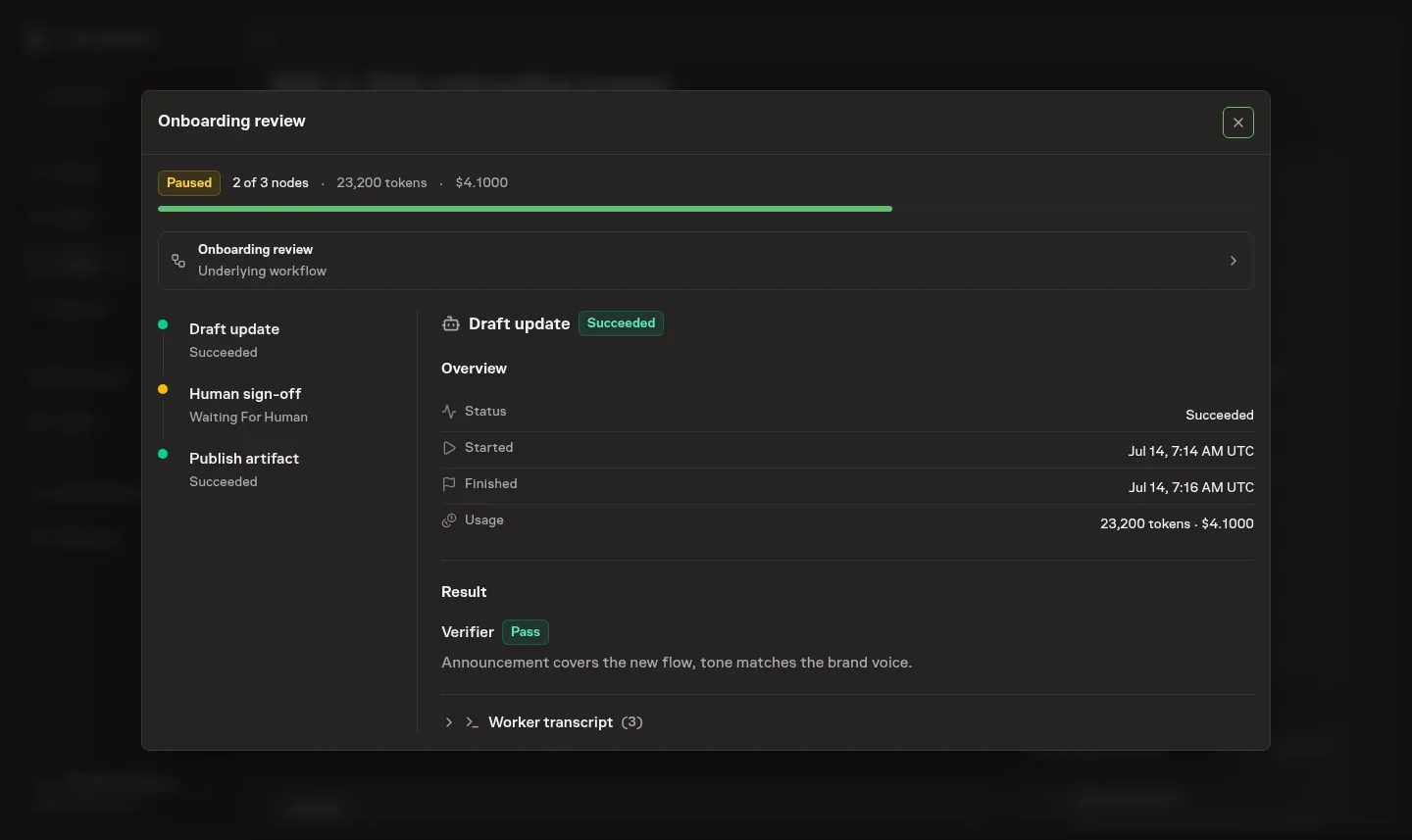
A workflow node runs through the same loop: when a workflow run reaches an agent node, it starts that node's agent like any other run. The workflow passes the node's context references into that run and later reads the transcript and artifacts back through the same runtime record, so workflow steps and ad-hoc work share one execution path.

Planning and review bracket the work

An agent-assigned task is not handed to an agent to "just start." Before the work becomes executable, the loop runs a planning turn in a fresh session whose only job is to produce a self-contained work spec — Goal, Acceptance criteria, How to verify, Constraints and non-goals, Context reviewed, and Deferrals — written so a fresh agent with no memory of the original conversation could carry it out. In the same turn the agent scores the task on four 0-2 risk axes — blast radius, novelty, sensitivity, and reversibility — and those scores derive a named review level (Routine, Standard, Elevated, or Critical) that sets how much scrutiny the finish deserves. The spec is written through tama tasks spec. On a lower autonomy level the spec holds for your approval in the inbox before execution begins; on a higher one the agent proceeds on its own, the same autonomy boundary the rest of the loop respects.

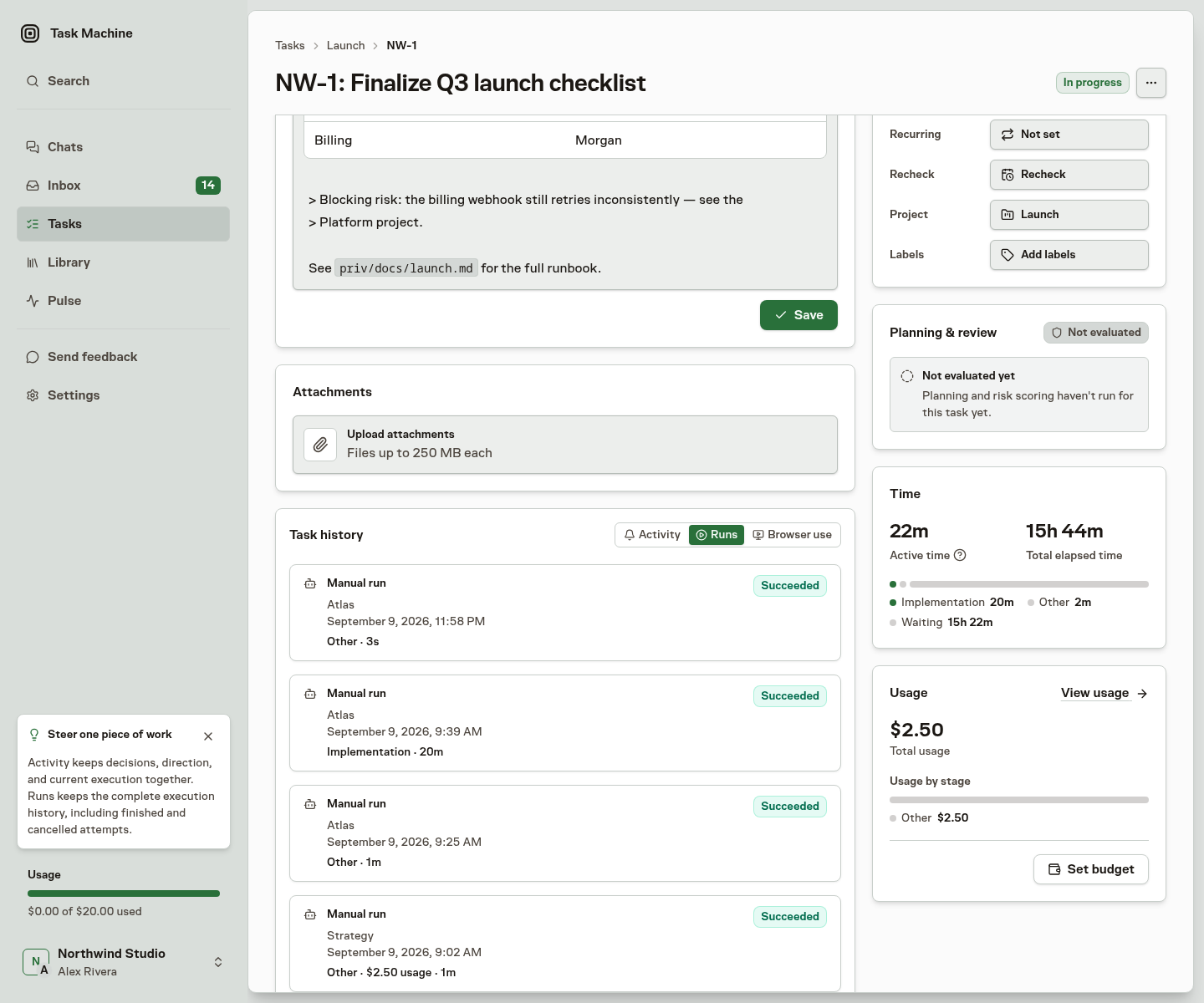
The finish is bracketed too. A task can carry a reviewer — an agent or a person — set explicitly or defaulted from its review level: Routine work has no gate and completes on its summary, Standard and Elevated work is self-reviewed by the assignee with fresh eyes, and Critical work routes to a human. When a task that has a reviewer finishes — or an agent or person moves it to in review directly — the loop holds it there instead of completing and dispatches the reviewer to judge the deliverable against the acceptance criteria alone — not their own taste. An agent reviewer runs in a fresh session and returns one verdict through tama tasks review; a human records the same verdict from their inbox. Approve sends the task to done, revise returns it to in progress with the reviewer's notes routed to the assignee, and rethink sends it back to planning for a new spec. The verdict is a durable record on the task, so a gate that passes or sends work back leaves evidence, not just a status change.

The agent acts by changing product state, not by talking

The return half of the loop is what makes it more than a chat. As it works, the agent uses the tama CLI to make durable updates rather than narrating them: it comments and replies on the task, sets the task's status, writes to its memory, creates and updates artifacts, asks a question, requests an approval, proposes a task, project, workflow, or whole template, and writes the completion summary when it finishes. Each of those is a real record — a timeline event, an inbox item, a stored summary — not a sentence in a transcript that evaporates. The whole run streams back live as a transcript you can open on the task or chat, but the things that persist are the product changes the agent made.

This is the through-line back to the surface triad. The agent's questions and approvals arrive in your Inbox; its comments and status changes land on the Task; the proposals it raises in Discuss become records you accept or reject. You do not watch the run — you act on what it leaves behind.

Guardrails keep the loop from running away

A loop that turns results into triggers needs bounds, and Task Machine applies them before every run. A task runs one active job at a time — a second trigger on a busy task queues a follow-up rather than starting a competing run. Agent-to-agent steering is explicit: an agent's comment does not trigger another agent by itself, an agent reacting to its own comment does nothing, and a different agent can steer with reactions only when its profile allows that power. Each agent's concurrency limit caps how many jobs it runs at once so a single agent never floods your machines. And when a scope has a budget, the loop checks it before work starts: an exhausted budget pauses the run, writes the refusal onto the task timeline so the reason is visible, and cancels the queued job instead of letting it spend past the cap.

One guardrail is also a safety net. Because a completion summary matters, if an agent finishes a task without writing one, the loop starts a single follow-up run that does nothing but generate it — so the summary is always there, and the extra run only happens when the agent forgot.

Every turn is held to leaving a trace, too. When an agent looks at a task and decides to do nothing, it records why; and if a turn ends having changed nothing and explained nothing, the loop records that no-op itself. The point is that a silent, progress-free turn is never mistaken for one that genuinely had nothing to do — you can always tell a stuck agent from a quiet one, because every turn leaves a mark on the task's timeline.

Sessions resume so follow-up turns stay fast

Within one thread or chat, the loop avoids rebuilding the whole prompt every turn. When the runtime supports it, a follow-up turn resumes the tool session from the previous turn — the agent already has its identity, CLI contract, memory, and knowledge from earlier in the session, so the resumed turn carries only the new trigger context and input. It falls back to a full prompt when no session exists, the session has expired, or the runtime changed, and either way the prompt that ran is recorded on the job. The effect is that a back-and-forth thread stays quick and cheap without losing the agent's accumulated context.

Why the loop compounds

Put the halves together and the loop closes on itself: a trigger starts a run, the run changes product state, and that changed state becomes the next trigger. An agent proposes a recurring task; you approve it from the inbox; the schedule it created later fires and an agent picks the work up; the agent finishes, writes a summary, and asks a question that returns to your inbox. Work produces work, and your judgment sits at the points that matter — the approvals, the questions, the proposals — while the routine turns of the loop run on their own. That is the operating system this product is: not a chatbot you prompt, but a loop you steer.

From here, the loop runs on real machines and tools — see runtime machines for the daemon that runs the work, and the CLI command reference for the tama commands the agent acts through.