Observability
Duration and usage
On this page
Use timing and usage to understand where effort went and where a process needs attention. A recorded cost, an operating budget, and available Workspace funding answer different questions.
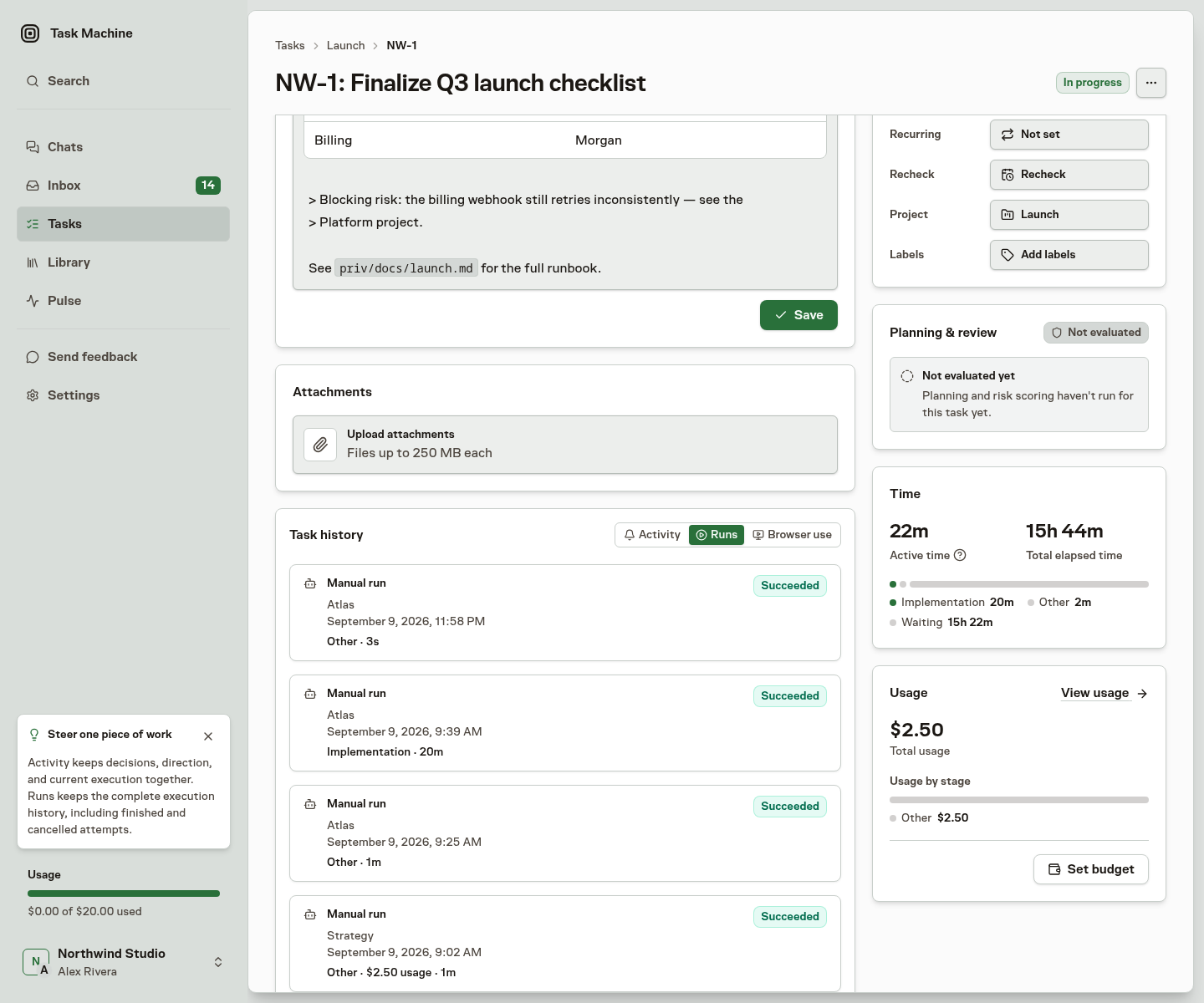
Active and elapsed duration
The Task separates execution effort from the time that passed:
- Active time adds successful work sessions. A run that paused for a credential or a Connector setup counts the work it did before the pause as well as after it. On an open task, it also includes the current running session so you can follow progress before the run finishes. It includes successful rechecks and excludes unsuccessful runs and gaps between sessions.
- Elapsed time measures the span from the first included session starting to the latest included session, including pauses between them. While a Run is active, the Time card updates this span through the latest recorded progress.
A green live dot beside Time and Usage shows that the current Run can still change those totals. When the Run succeeds, the duration settles at its finish time. If it fails, is cancelled, or times out, its provisional duration is removed while previously recorded usage remains visible. Several Workers running at once can accumulate more active time than elapsed time. Neither measure predicts how long the next Task will take.
Task time separates implementation, review and rework. Comment and reaction turns appear under Discussion, while checks of blocked work or pull-request updates appear under Recheck. Each run keeps the stage recorded when it was created, so historical labels do not change.
Estimated shows the total working time in the approved Work Spec, covering implementation, review and rework. Without that estimate, Task Machine uses the first reported remaining estimate plus work already performed. Later remaining-time reports do not reset this total. The delivery block's Remaining estimate shows the agent's latest report of work still needed.
The tama tasks time command also returns a bounded breakdown for each agent membership with included work. Each agent entry reports active seconds and a sparse stage breakdown, so repeated runs for the same agent reconcile to one total without exposing individual run details or agent profiles.
Continue the Agent breakdown with the returned cursor while more pages remain. Each page is calculated from current successful work, so restart from the first page if another qualifying Run may finish during traversal. These values describe operational Task timing. They are not chargeable billing duration, recorded cost, or a billing ledger.
Recorded cost and tokens
Task usage records the cost and tokens attributed to the work. Compare stages when you need to understand where usage accumulated. A failed attempt may still have consumed resources. Recorded Task usage, your operational budget, and the Workspace's available managed usage answer different questions.
See Billing and usage for charges and Analytics for comparisons across Tasks.
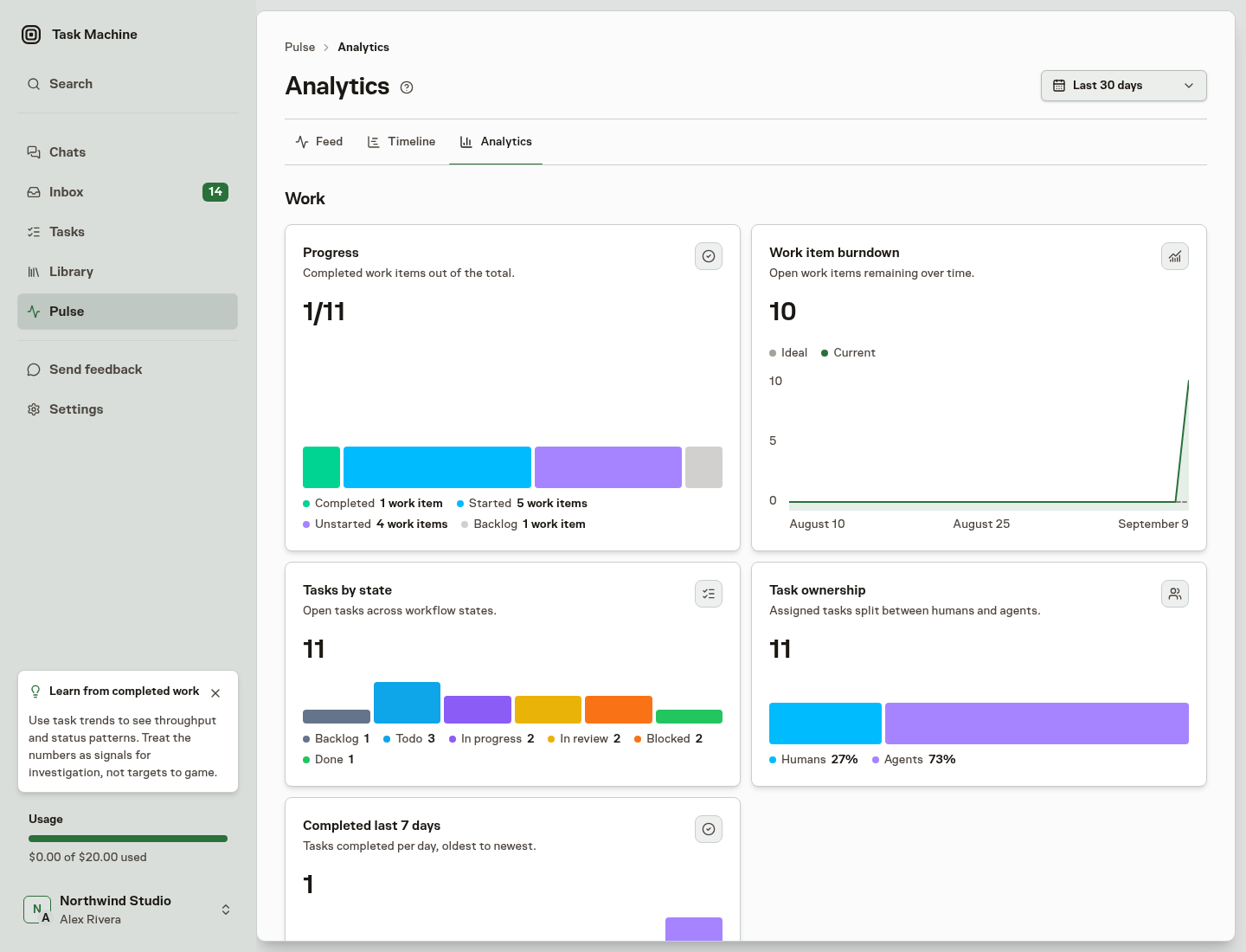
Compare work in Pulse
Use Timeline and Analytics in Pulse to compare the work you may access. Inspect a Task or Run for the detail behind a total. Billing explains how managed usage becomes a charge.