Observability
Pulse
On this page
Use Pulse to see what your workforce is doing across the Workspace. Its Feed helps you follow activity. Decisions that need your response remain in Inbox.
Follow the Feed
The Feed collects activity you are authorized to see. Filter by Agent, Project, or Goal to follow a responsibility and inspect what changed.
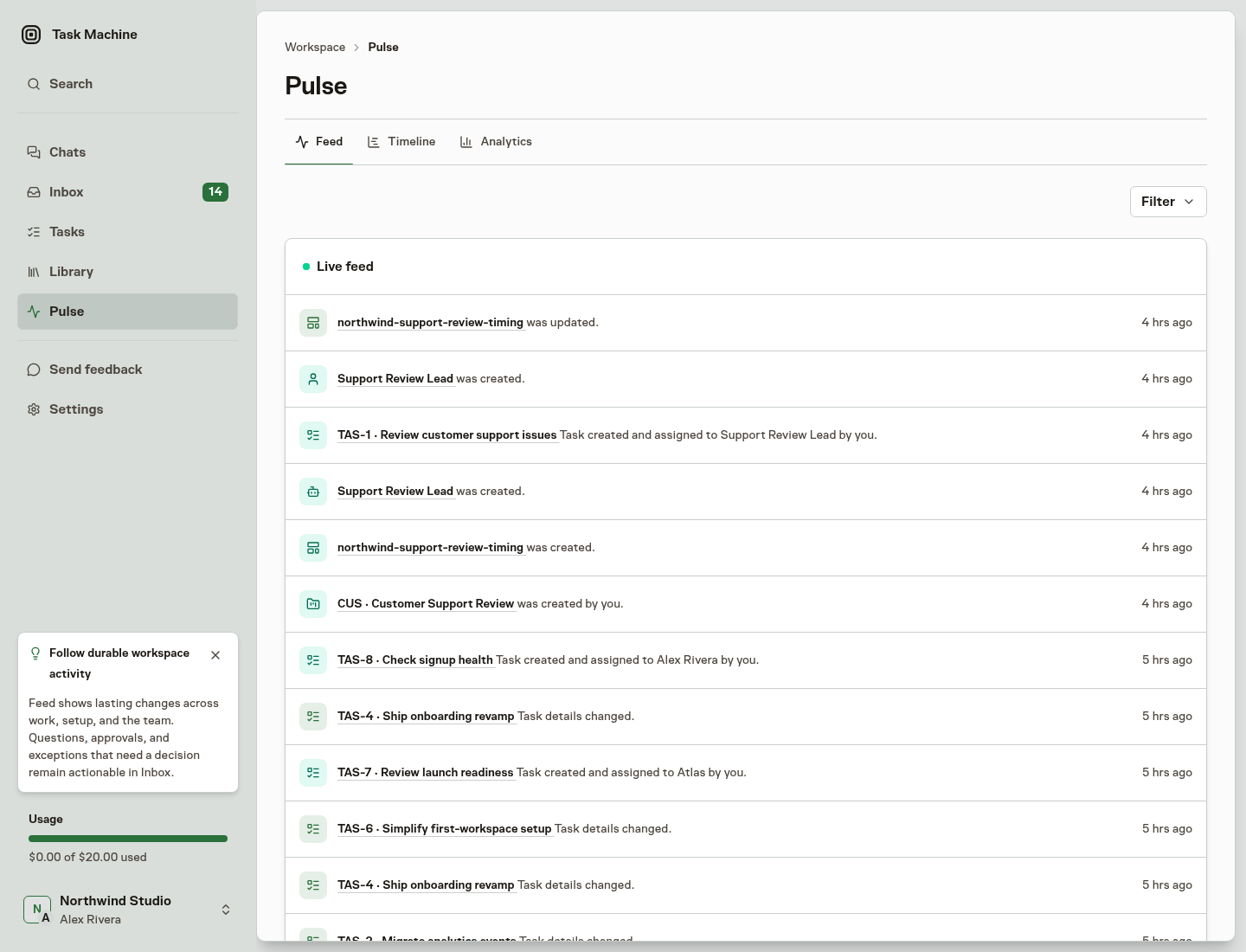
It updates as work changes. A quiet filtered view can mean there is no matching activity, not that the whole Workspace is idle. Your permissions still determine which source records you can open.
Inspect timing and results
Open Work timeline for actual Runs and expected scheduled work on a shared time axis.
Open Analytics for patterns in work states, ownership, completion, usage, active time, approval evidence, and AI subscriptions. Use the underlying Task or Run when a total needs explanation.
Turn an observation into a change
Discuss a broader change in Chat, inspect the relevant Task, or adjust its process and controls. When work repeatedly needs your attention, improve the handoff or review boundary rather than making continuous monitoring your normal job.
The public website's Pulse is a separate, selected view of Task Machine activity. Its 30-day Parallel work multiplier sums task-attributed active Agent execution across concurrent work and divides it by elapsed time. It measures parallel machine work, not equivalent Human labor, and it does not make your private Workspace's Pulse public.