Library
Folders
On this page
Use Folders to organize Library documents and control where shared knowledge is available. Start with the intended readers, then choose a location for the material they need.
Create a folder for related material
Open Library and navigate to the parent location. When you can manage that location, use Create folder to add a named folder. Keep related documents together so people and Agents can find the current source material.
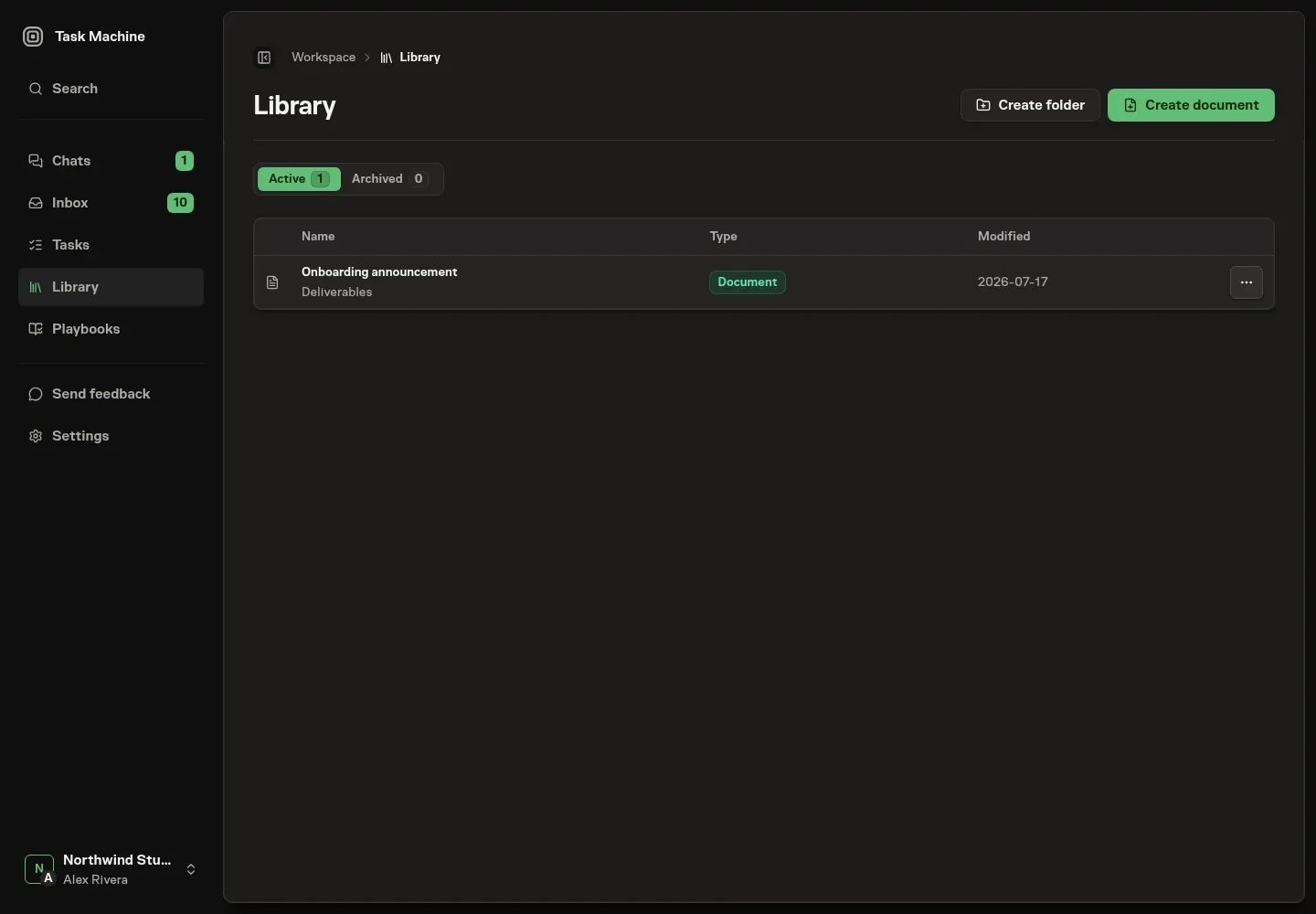
Choose the destination before saving
Folder paths carry access permissions. A document created from private Chat can be readable by other members when its destination allows them access. Choose the destination for the document’s intended readers, rather than assuming the conversation’s privacy follows it.
Archive and restore a branch
Archiving a folder hides its branch and documents from Library lists, search, reference pickers, and the knowledge context Agents receive. It preserves the records. Restore the folder to make the branch available again under its permissions.
Continue with Documents for writing, versions, and references.