Observability
Metrics
On this page
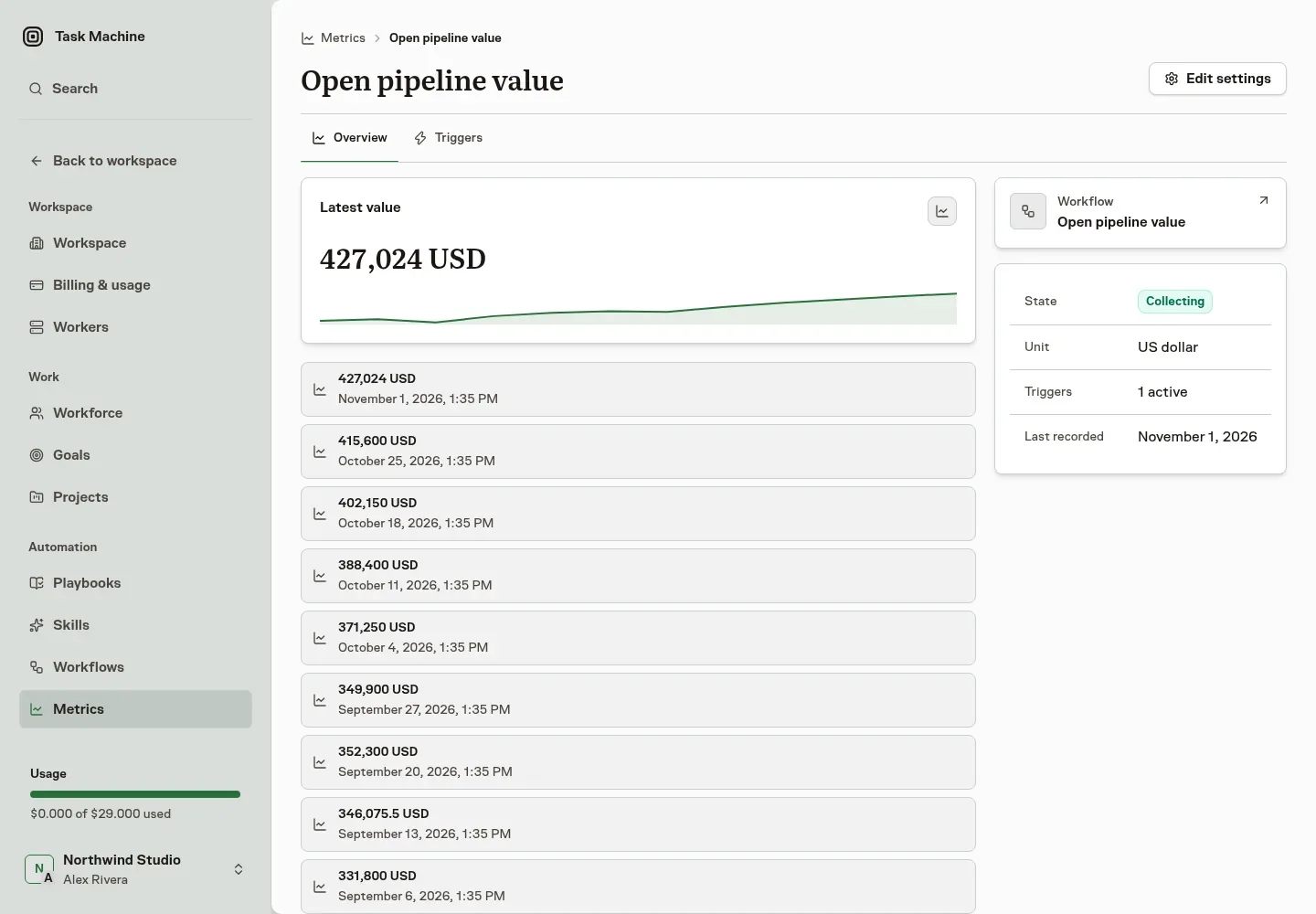
A metric is one number that a workflow produces, such as open pipeline value or weekly signups, together with every value it has recorded. Agents read metrics to see how work is going. People create and change them.
Choose the workflow
A metric follows one workflow and always its latest published version. The workflow must return a Number: its final step returns a Number, and no other route can end on Text or a List. The metric form offers only workflows that qualify.
While a metric follows a workflow:
- You can keep editing a draft. The builder tells you which metrics follow it.
- Publishing a version that no longer returns a Number is refused, so the metric never receives something it cannot record.
- The workflow cannot be archived until the metric is archived or follows another workflow.
The unit is free text that tells agents and people what the number means, such as USD or signups. Pick a suggestion or type your own. It locks after the first value is recorded, because changing it would relabel your history.
Collect it
A metric records a number each time one of its triggers runs the workflow successfully. Add triggers with Add trigger on the metric's page. The Triggers tab is always there for you:
- Recurring collects on a cadence you describe, such as every Monday at 9:00.
- One time collects once at a date and time you pick.
- Event collects when a connected service sends an event.
A metric can have several triggers and collects only while at least one is active and ready. Each collection appears on the Runs tab, which appears after the first collection, with its state and the value it recorded, and opens a task with the details. These tasks are hidden from your ordinary task lists.
By default a recurring trigger skips a collection while the previous one is still going, and asks you in the Inbox when an earlier collection is stuck. Cancel that task or stop the schedule from the Inbox item.
What gets recorded
A successful run records one value, stored exactly as the workflow produced it. A failed or cancelled run records nothing, and never records zero. Running the workflow by hand does not record anything.
When collection pauses
If the workflow stops returning a number, or is no longer available, the metric pauses and every person who manages metrics gets an Inbox item. Nothing is deleted: your triggers stay as they are. Fix it right from the Inbox item: replace the workflow with one that returns a single number, or archive the metric. The metric's page offers the same choices. A single run that produces no usable number does not pause anything: it records no value, and the next run tries again.
Who can do what
Everyone with metric access can read metrics, values and runs. Owners and admins create, change, archive and restore metrics and their triggers. Agents can read metrics with tama metrics list and tama metrics show, but cannot change them.